
We make technology an enabler of success for creative businesses and empower them to focus on what they do best.
As creative businesses grow, their technology can get hard to manage. Things stop working as they should, speeds slow down, and downtime and frustration can start creeping in. Our mission is to help creative teams to flourish by making their IT simple, easy to manage, and empowering. If your IT is starting to feel like a burden, we can lift that weight from your shoulders and help your team to focus on what they do best.
Imagine an IT environment that is fast, reliable, secure and scalable. One where operations run smoothly, people enjoy using their tools, and where growth in needs and demand are met seamlessly. This is the reality that we help many creative teams, including architecture firms, interior design studios, and event production companies, achieve with tailored solutions, and friendly, jargon-free IT support from a dedicated team that you can trust.

From friendly and responsive day to day IT support and cloud and network management solutions, to IT consulting and cybersecurity solutions, we're here to serve your creative team to work efficiently and securely with top-notch IT services that you can rely on.
Our tailored solutions enable your business to unlock profitable growth, stay cyber secure and compliant with regulations and client data protection needs, and achieve a more efficient and reliable operation. In short, we transform your technology into an empowering asset!


Get in touch with us today for a complimentary consultation session. We'll be glad to learn about you and your business, your needs and goals, and offer insightful guidance that helps you to move forward with clarity and confidence.
Our IT Support services are all about helping your business to succeed with its technology in every way, at every level, here's how we do it.
Your website must be fast, secure, and available around the clock to offer the best experience for your visitors. Our all-inclusive hosting and management plans, supported by our local web care team, ensure just that and beyond. Let us safeguard, host, and maintain your online brand, providing you with peace of mind.
CTS Care is our all-inclusive plan that is built to produce tangible results for your business. CTS Care is designed to elevate productivity, lower stress, streamline operations, and secure your business, while lowering your IT costs across the board. CTS Care includes:
Whether you’re an interior design, architecture or an event production company, we can act as your dedicated partner for realizing these benefits.
We all rely on technology to power our success. Acting as your technology partner, you can count on us to help you to navigate the world of technology. Our IT support solutions include on-demand support that you can turn to for a fast, helpful and friendly response.
Let go of the burden and frustration of managing your IT, by letting us take care of it for you. Behind the scenes, we will also monitor and optimize your IT environment and network to enhance the performance and security of your business.
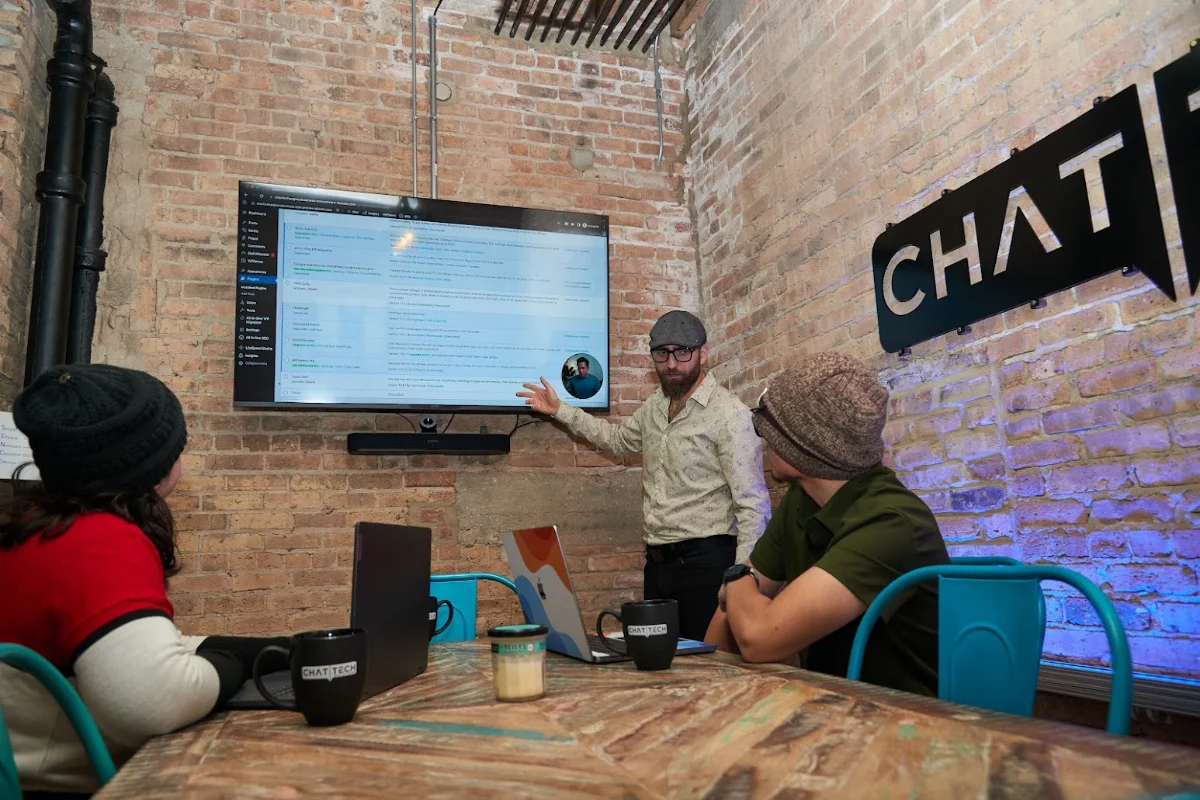
Understanding the technical aspects of IT is a common problem for creatives, so we act as your helpful translator and guide to technology, taking care of the bits and bytes so that you can focus on seamlessly using tech to achieve your strategic goals.
Whether its migrating your servers, adopting new technology, office moves, or building an IT strategy and technology roadmap, we can help you to map and master your technological territory to complement the success of your business and the clients it serves.
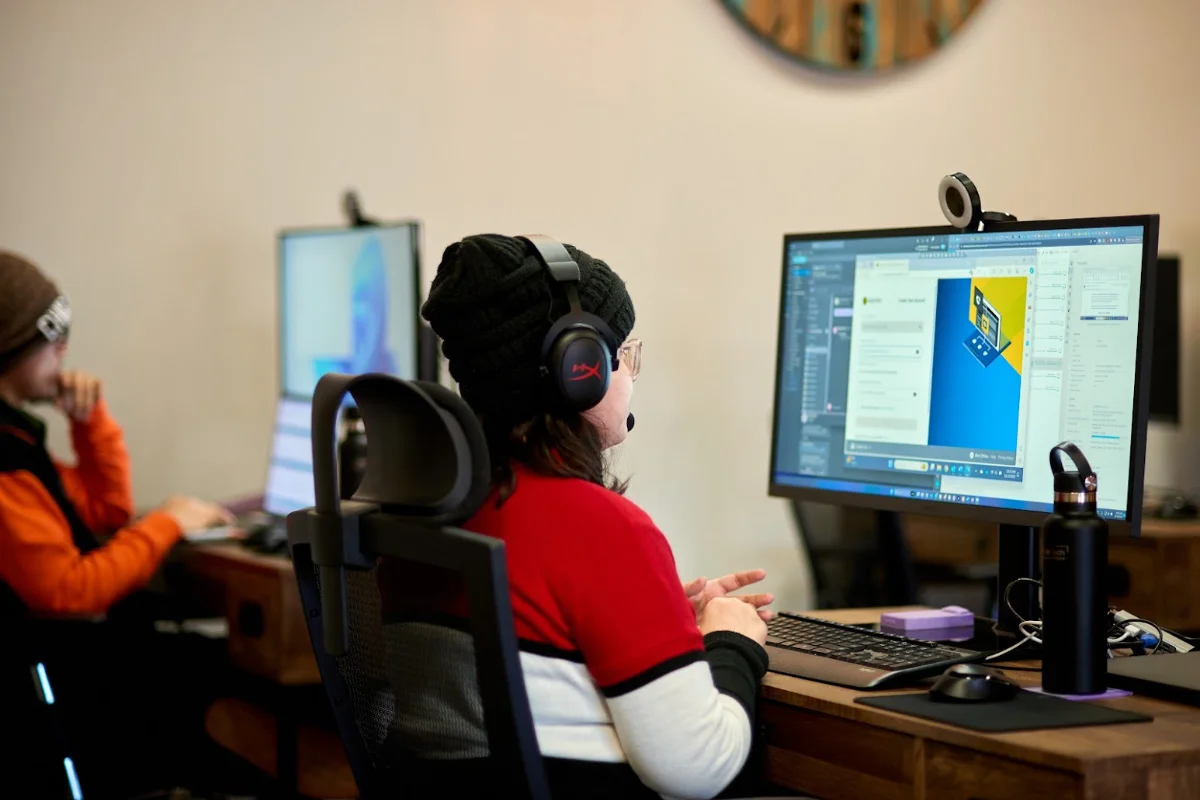
Creative businesses use powerful yet resource-intensive applications that can slow down performance. Our proactive computer care, combined with our cloud and network solutions, helps our clients improve their technology's performance.
We address this problem by enhancing our clients' IT infrastructure to make it more flexible, well-configured, and secure. We eliminate bottlenecks and vulnerabilities, ensuring the efficient and reliable performance of your physical technology, including computers and networks. Additionally, our cloud solutions provide a more cost-effective, highly scalable infrastructure that enhances convenience and speed for your team.
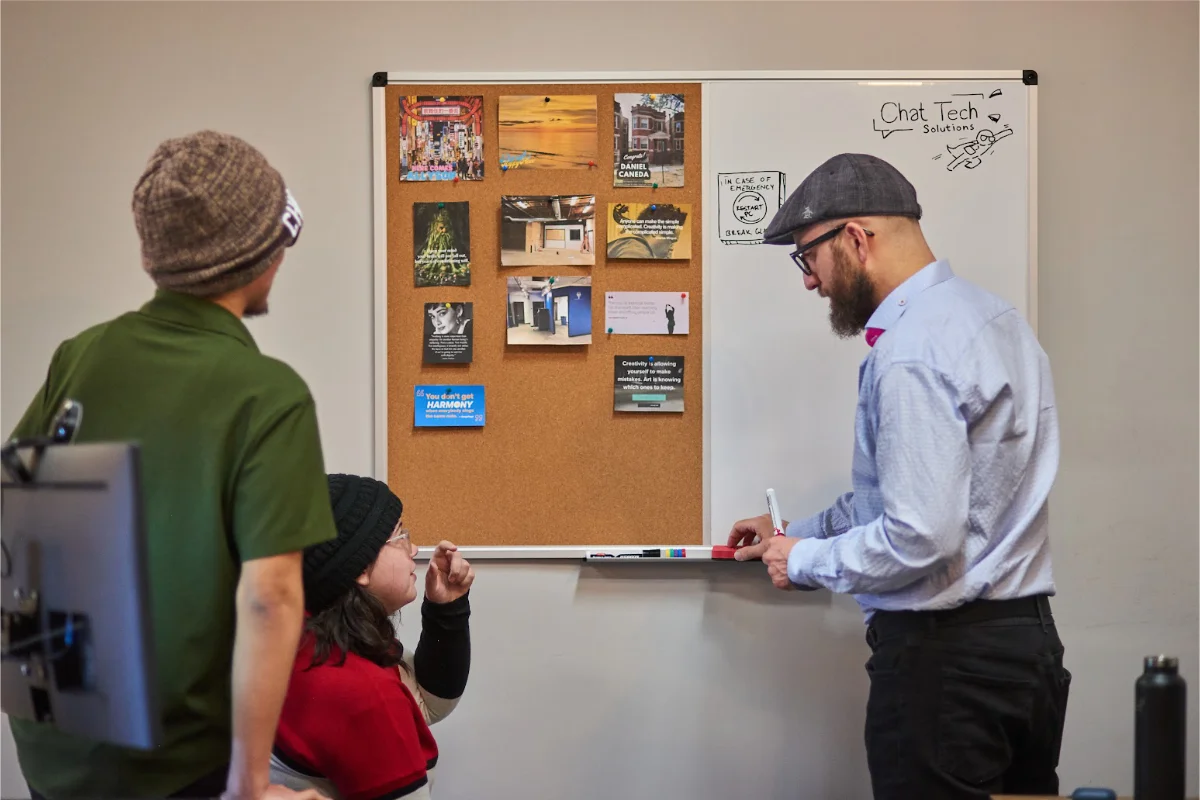
Our IT solutions assist our clients in growing and expanding without being hindered by technical roadblocks. We create a more interconnected and manageable IT environment that can adapt to your evolving needs and expanding services, all while ensuring the security of your data from prying eyes, helping you maintain a stellar reputation and robust business continuity.
“We were initially overwhelmed when our client presented us with a list of various technology requirements. Luckily, Burak and his team came to our rescue at just the right time! They not only addressed all the technical aspects but also simplified everything for us, communicating in plain English—a rare quality among tech people. Since they took over our tech two years ago, we haven't encountered a single issue, thanks to their vigilant monitoring. This has allowed us to concentrate on our business and enjoy peace of mind. I strongly recommend giving them a call!"
“Burak and his team at Chat Tech has been a very valuable partner for us. The technical expertise, proactive support, and excellent customer service have consistently been a wow factor. They setup the entire technology in our new studio and have given us useful capabilities. Highly recommend them!”
"I met Burak over 15 years ago when I started my own business. He has always stayed ahead of our needs as we grew and simplified everything as new technology has been introduced. He has an excellent team, and knowing they are always looking after our tech helps me sleep better at night. I have already sent them many referrals and will continue to do so. Highly recommend!"
“We were growing increasingly frustrated with the inconsistency, sluggishness, and poor quality of support from our previous IT company to the extent that I took on some of the IT tasks around the studio myself. Burak and his team came highly recommended by another interior design firm that couldn't say enough about the personalized attention they were receiving. Since partnering with them, we've quickly realized what we've been missing out on. They are excellent communicators and rapid responders to any challenge we throw their way. I was impressed by their thorough review of our existing technology from top to bottom, the identification of gaps, and their plan to address them. With my busy schedule and a myriad of concerns, having dependable and accessible IT support as our partner has made a significant impact on our entire business. I highly recommend giving them a call!"
"We joined on with Chat Tech 3 years ago. They set up all our tech and take care of everything remotely. Whenever we need assistance, they respond quickly, though we rarely do because they are always on top of things."
"Burak and his team were introduced to us by another interior design firm many years ago, and they've been a pleasure to work with. Whether it's addressing small annoyances or taking on significant projects like managing all aspects of our new studio's technology during its build out, they have consistently been prompt and very helpful. Their attention to detail and true understanding of our challenges have relieved us of the tech-related worries we used to have. I highly recommend them!"
"What is there to say other than Chat Tech Solutions is Amazing!! We have been working with Burak and his Team at Chat Tech Solutions for almost 20 years now and we LOVE doing so. Not only are they skilled and talented, they go the extra Mile and truly care. When you need them they are there...and we have needed them in a pinch here and there over the years and they have never disappointed. We refer them to everyone we know and our friends and peers thank US for doing so. Chat Tech is the Best and if not already you will be in Good Hands with them!"
"Where has Burak and Chat Tech Solutions been all my life? We are so grateful for all the help this team has given us. As a more creative mind, technology isn't my forte, especially when there's an technical issue. I appreciate how responsive, non-judgmental, and friendly the whole team has been--not to mention how good they are at their job. With the help of Chat Tech Solutions, we are able to focus our efforts on the other parts of our job, and leave the technology services to the experts."
"Having Burak and his team as our tech partners has been one of the best investments I have made in our business. They have the highest level of customer service I have ever experienced. They are responsive, they are detailed, they are easy to work with, and their communication is always prompt and professional. They have taken the time to get to know our business and always have the best recommendations and solutions. I am grateful for this ongoing relationship."
"Burak and his company have been my one-stop resource for all things IT for 20+ years. He's a great problem-solver and communicator. I rest easy knowing he's got my back. I've referred many friends and colleagues, and they all agree."
"I especially appreciate the work Burak and his team did for us when I started 34-TEN. I couldn't have done it without them."
“Discovering Burak and his team has saved us valuable time and introduced us to new technology that significantly improved our workflow. They are incredibly responsive, easy to work with, and excellent at what they do. I wholeheartedly recommend them to any small business seeking a partner to support them as they grow and to ensure peace of mind."
"We were introduced to the Chat Tech team through a mutual client and have collaborated on several projects since. We interact with many vendors, and I can easily say that everyone we've spoken with at Chat Tech has been an excellent communicator and brings a high level of care to their work. Even though they tackled complex tasks for us, they always kept the language understandable, the process efficient, and delivered results on time. They have a deep understanding of tech and can bridge the gap beautifully for those needing IT assistance."
"Having Burak and his team as our tech partners has been one of the best investments I have made in our business. They have the highest level of customer service I have ever experienced. They are responsive, they are detailed, they are easy to work with, and their communication is always prompt and professional. They have taken the time to get to know our business and always have the best recommendations and solutions. I am grateful for this ongoing relationship."
“Burak and his team at Chat Tech has been a very valuable partner for us. The technical expertise, proactive support, and excellent customer service have consistently been a wow factor. They setup the entire technology in our new studio and have given us useful capabilities. Highly recommend them!”
"I met Burak over 15 years ago when I started my own business. He has always stayed ahead of our needs as we grew and simplified everything as new technology has been introduced. He has an excellent team, and knowing they are always looking after our tech helps me sleep better at night. I have already sent them many referrals and will continue to do so. Highly recommend!"

Need help or guidance with a tech challenge facing your business? Burak and the team are here to help. Book a meeting with Burak today to get empowering insights and guidance that enables you to leave behind techxiety and return to techarmony!
Adding {{itemName}} to cart
Added {{itemName}} to cart